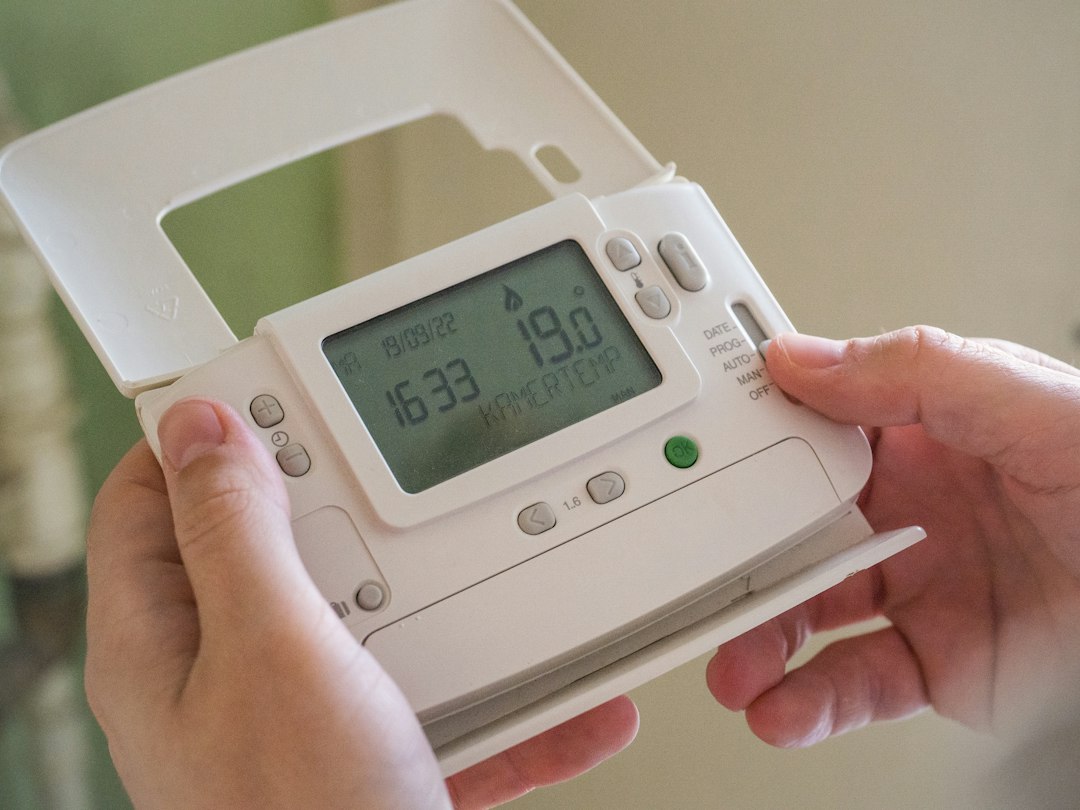
If your HVAC thermostat is not responding, start by checking the power supply and ensuring it is set to the correct mode. If these basic steps don’t resolve the issue, try the troubleshooting tips below before calling a professional.
Check the Power Source
A thermostat needs power to operate. If it’s non-responsive, the first thing to check is whether it’s receiving power.
- Ensure the thermostat is securely attached to the wall.
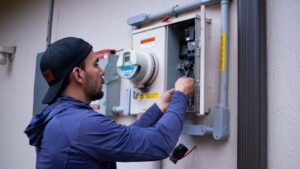
- Check circuit breakers and fuses in your electrical panel to see if a switch has tripped.
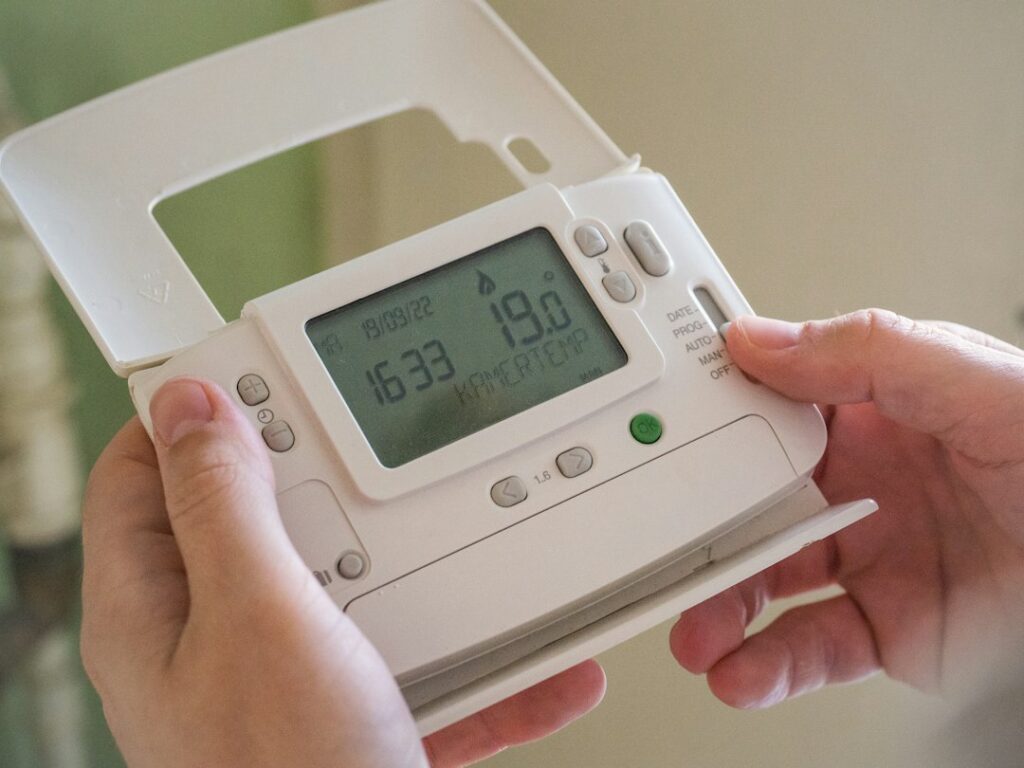
- If your thermostat uses batteries, replace them with new ones.
Examine the Settings
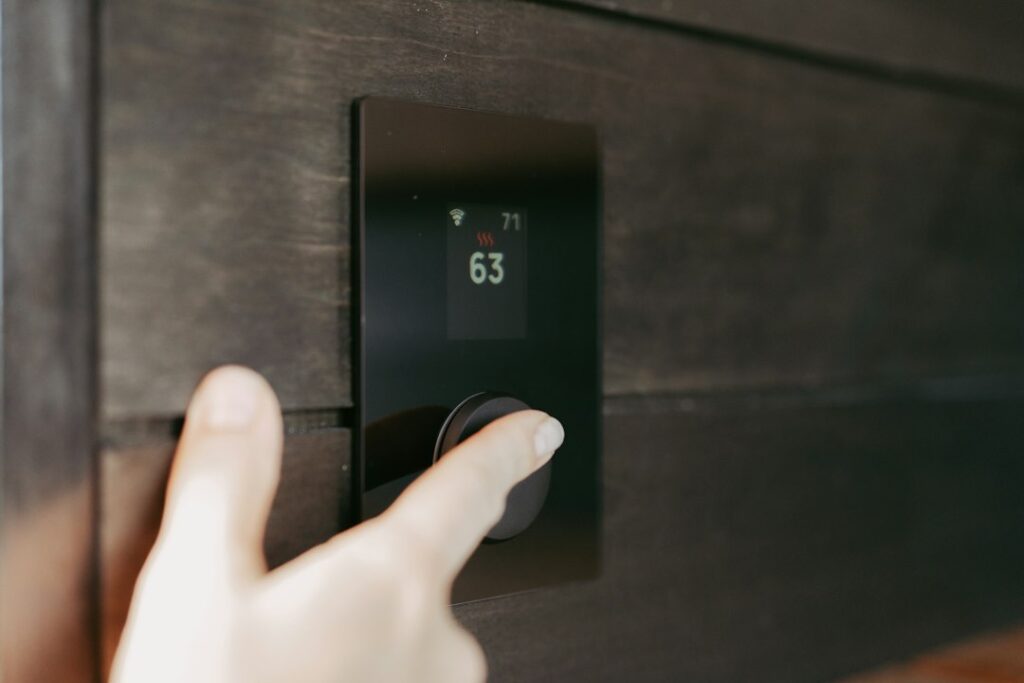
Incorrect thermostat settings can make it seem like it’s not working. Here’s what to look for:
- Ensure it’s set to the correct mode: heating in winter, cooling in summer.
- Check the temperature settings. It should be set above room temperature for heating and below for cooling.
- Verify any scheduling settings are correct and not preventing operation.
Inspect the Wiring
Loose or damaged wires can disrupt the function of your thermostat. However, let a professional handle complex electrical issues.
- Turn off power to the HVAC system at the panel before inspecting.
- Remove the thermostat cover to check for loose wires; gently secure them if found.
- If wires appear damaged, contact a technician.
Reset the Thermostat
Sometimes, simply resetting the thermostat can resolve minor glitches.
- Refer to the user manual for specific reset instructions.
- Commonly, removing batteries or pressing a reset button may work.
- After resetting, reprogram the settings.
“A non-responsive thermostat often results from simple issues like power loss or incorrect settings.”
When to Call a Professional
If you’ve tried these steps and the thermostat still doesn’t work, it’s time to seek professional help.
- Contact a local HVAC contractor to diagnose and fix the problem.
- For instance, if you’re in Montreal, you can find reliable contractors in your area.
Practical Next Steps
After troubleshooting, maintain your thermostat to prevent future issues. Regularly check settings, replace batteries annually, and clean the device to keep it in good condition.
Frequently asked questions
What should I do if my thermostat still doesn't work after troubleshooting?
If the thermostat remains unresponsive after following troubleshooting steps, it's best to contact a professional HVAC technician to diagnose the problem.
How often should I replace my thermostat batteries?
Replace the batteries in your thermostat at least once a year to ensure it continues to function properly. Make it part of your annual maintenance routine.
Can a faulty thermostat affect my energy bills?
Yes, a malfunctioning thermostat can cause your HVAC system to run inefficiently, leading to higher energy bills. Address issues promptly to avoid unnecessary costs.
Is it safe to inspect thermostat wiring myself?
You can check for loose wires with the power off, but for any complex electrical issues, it's safer to contact a professional to avoid potential hazards.
What are common signs of a failing thermostat?
Common signs include unresponsive controls, incorrect temperature readings, or the HVAC system not turning on or off as expected. If these occur, troubleshooting or replacement may be needed.